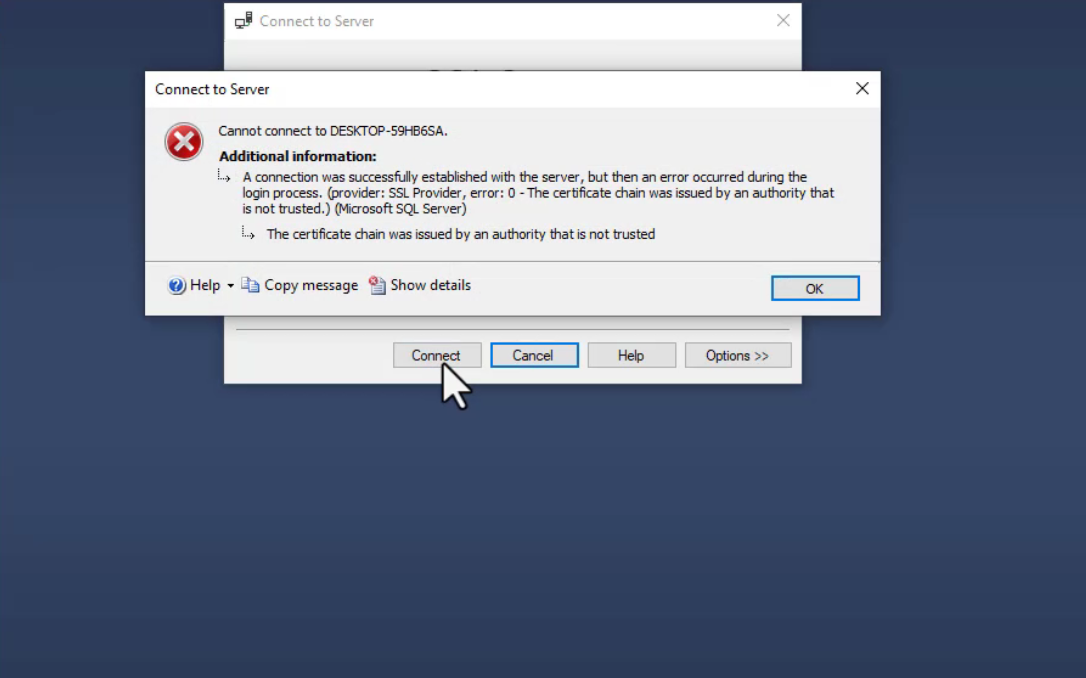
If you encounter the error “The certificate chain was issued by an authority that is not trusted” in SQL Server, it usually means your connection does not trust the server’s SSL certificate. This quick guide shows you how to resolve it step by step.
Open SQL Server Management Studio (SSMS).

Click on File in the top-left corner and select Connect Object Explorer.

In the Server Name field, click Browse for more.

Choose Database Engine from the list. and Select your desktop name

Click OK.

Click on Options in the connection window.

Go to the Connection Properties tab.

Check the box Trust server certificate.

Click Connect to establish a secure connection without SSL certificate errors.

By following these simple steps, you can quickly fix SSL certificate trust issues in SQL Server. Always ensure that “Trust server certificate” is enabled when connecting to servers with untrusted certificates to prevent connection errors.
Leave a Reply